Summary: A PDF is a digital photograph of the printed page. An EPUB is a liquid book that adapts to the screen. The difference is not technical; it is about the reading experience and about accessibility.
Almost every week someone asks me: "Fernando, what is the difference between a PDF and an EPUB? Aren't they both digital books?" The question sounds basic, but it reveals a misunderstanding that costs publishers, authors and readers dearly. So let us take it step by step.
Ebook is short for electronic book and means, literally, a book in digital form. In practice it is a file that runs on your computer, tablet or phone. It can be the digital version of a book that was also printed, or an original text published only electronically.
So far, nothing new. The important detail comes now: digital book is not a single format. There are several, and they behave very differently.
A PDF is not an EPUB, and the difference matters
The best-known format is PDF. Simple to create, easy to view, it reproduces the text exactly as it appears on paper. It works like a digital photograph of the printed page.
The problem is that the photograph does not move. If you have ever tried to read a PDF on a phone you know the feeling: zooming in to make the type bigger, dragging a finger to reach the end of the line, losing your place, giving up.
EPUB (short for electronic publication) solves that. The text stays alive: you make the type larger or smaller, change the typeface, switch to dark mode, and the content rearranges itself on the screen. This is called reflowable layout.
I like to call the EPUB a liquid book. Just as water takes the shape of the glass, the jug or the bottle, an EPUB takes the shape of the device. The same file, many ways of reading it.
Where did the page numbers go?
If the text flows according to screen size, it follows that there is no fixed page numbering. The same book can run to 120 pages on a computer and 340 on a phone. At first that feels odd. Then you get used to it and realize that, for reading straight through a novel, the page number makes very little difference.
For academic books, citation and educational material, this is a real problem. But EPUB 3 has already solved it: there is the page-list feature and page break markers (epub:type="pagebreak") that preserve the pagination of the printed original inside the digital file. If your EPUB is educational or academic and does not have this, it is incomplete. That is a warning from someone who has been producing this kind of file for years.
EPUB 3: more than reflowable layout
A common confusion is thinking EPUB is only "text that flows". EPUB 3, the current standard maintained by the W3C, is a good deal more.
It allows:
- Real accessibility, with reading by speech synthesizers, navigation through semantic landmarks, and conformance with EPUB Accessibility 1.1 and WCAG 2.2.
- Embedded media, with audio and video inside the book itself.
- Interactivity with HTML, CSS and JavaScript, which opens the way to textbooks, atlases, technical manuals and animated children's books.
- Rich metadata, essential for discovery in digital bookstores and, increasingly, for AI engines such as ChatGPT and Perplexity to recommend your book accurately.
It is no exaggeration to say that in 2026 a book without good metadata is an invisible book. That holds for EPUBs and for catalog records in ONIX, Thema and BISAC. But that is another story, and would fill a post of its own.
Where to read an EPUB
To read an EPUB you need an app that recognizes the format. Unlike PDF, which comes pre-installed on most systems, an EPUB reader usually has to be installed separately. It is not difficult, and there are good free options today for practically any device.
Some that I use and recommend:
- Kobo: apps for phone, tablet and desktop, as well as the dedicated e-readers. The Brazilian catalog keeps growing.
- Apple Books: already installed on iPhone, iPad and Mac. A clean interface and a pleasant read.
- Google Play Books: available on Android and in the browser. It accepts uploads of EPUBs you bought or were given.
- MEC Livros: the Brazilian Ministry of Education's public digital library, launched in April 2026. It holds around 8,000 free literary works, from new releases and bestsellers to public domain classics. It works on loan, with a single gov.br login, and reading happens on the site itself or in the app, from any computer, tablet or phone.
- BibliON: the São Paulo state government's free digital library, with more than 20,000 items including ebooks, audiobooks, newspapers and magazines. It is open 24 hours a day, lets you borrow up to two works for 15 days (renewable), and offers cultural programming, reading clubs and accessibility features. Open to residents anywhere in Brazil.
- Thorium Reader: free, open source, with excellent accessibility support. It runs on Windows, macOS and Linux. It is my standard recommendation for publishers who need to check files.
- Adobe Digital Editions: still around, still works, and particularly useful for EPUBs with Adobe DRM.
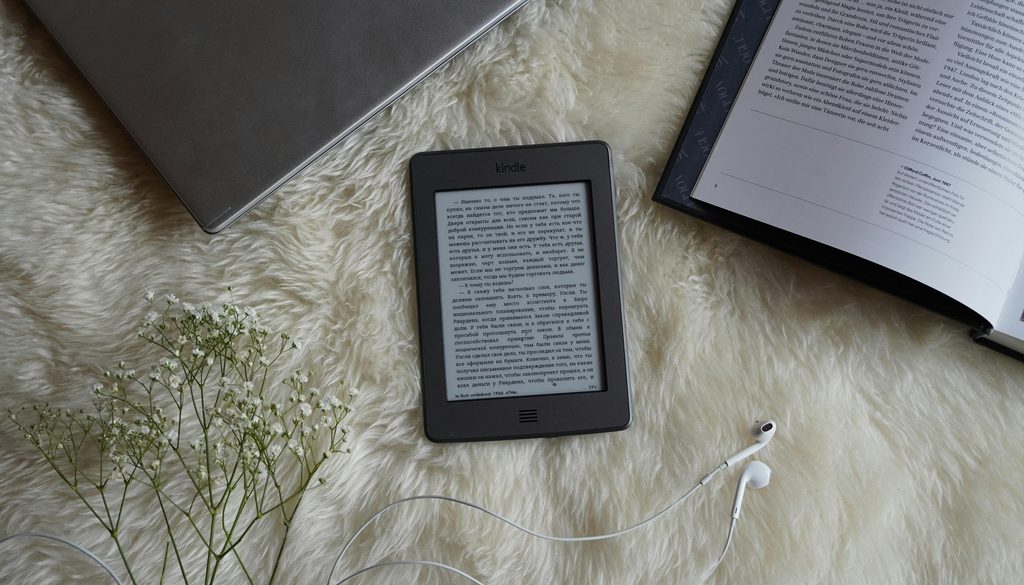
- Amazon Kindle: one caveat here. The Kindle does not read EPUB natively. You have to send the file through "Send to Kindle", which converts it to Amazon's proprietary format. It works, but it does not always preserve everything.
A practical tip: when you create an account at any ebook store, use a personal email address you will keep for years (Gmail, Outlook, iCloud). A work address disappears when you change jobs, and your library goes with it.
What has changed since 2018, and why it matters
I wrote a first version of this piece some years ago. Rereading it now, a great deal has changed. Livraria Cultura closed. Saraiva became a different company. The dedicated e-reader market concentrated around Kindle and Kobo. Subscription services appeared, such as Skeelo, Kindle Unlimited and Kobo Plus. EPUB 3 matured. Accessibility stopped being an accessory and became a legal obligation in several countries.
What has not changed is the essential part: EPUB remains the format best suited to long reading on a screen. And the gap between a well-made EPUB and one "converted from the PDF in a hurry" remains glaring. A genuinely liquid book versus a canned digital file.
The liquid book in action: public digital libraries
One of the best ways to understand what an EPUB actually is comes from using a public digital library. Both MEC Livros and BibliON let you read straight in the browser, with nothing to install, on any computer, tablet or phone. You borrow the book, click "read now", and the text rearranges itself according to the screen you are using.
It is the same file open on the laptop, on the phone on the bus and on the tablet by the bed, and on each one the book behaves differently. Larger type, smaller type, night mode, more generous spacing for a reader with dyslexia, reading aloud for someone with low vision or who simply prefers audio. None of that is an "extra feature". It is what the format was designed to do.
And here is a point many publishers still treat as a technical detail: accessibility and flexibility are not optional features of a digital book, they are part of its design. A well-produced EPUB is, by definition, a book that adapts to whoever is reading it. That reader might be someone with perfect eyesight on the underground, a blind person using a screen reader, a teenager with dyslexia who needs the OpenDyslexic typeface, an older reader who wants 24-point text, or someone with low vision in high-contrast mode. The same file serves all of them. If it does not, the problem is not the format. It is the production.
This is why at Booknando we insist that accessibility is not something "added at the end of the project". It is the starting point. A digital book without accessibility is like a new building without a ramp: it works for some, shuts out many, and will have to be redone.
Try it for yourself
If you have never read an EPUB, the easiest route today is this: go to MEC Livros or BibliON, register for free, pick a title from the catalog and read it straight in the browser. In five minutes you will understand in practice what no blog post could explain in a thousand words: the digital book is not an electronic version of the printed one. It is a new way of reading, and it demands a new way of producing.
If you publish books and want to understand how to make this transition properly, without losing accessibility, metadata or editorial quality, talk to us at Booknando. It is what we do every day.
Further reading
- W3C. EPUB 3.3 Specification. Available at: https://www.w3.org/TR/epub-33/
- W3C. EPUB Accessibility 1.1. Available at: https://www.w3.org/TR/epub-a11y-11/
- DAISY Consortium. Ace by DAISY, an accessibility checking tool for EPUB. Available at: https://daisy.github.io/ace/